

Summary
The best ChatGPT cover letter prompts give the model four inputs: the full job post, your resume text, two proof stories with numbers, and your real reason for applying. Then they set limits on length, tone and facts. Below are 11 copy-ready prompts for a standard application, a career change, no experience, an internal role and a referral, plus five follow-up prompts that fix generic or inaccurate drafts.
Good ChatGPT cover letter prompts do two things: they hand the model your real facts, and they forbid it from inventing new ones. Most prompt lists skip both and stop at "write a cover letter for [job title]."
This guide gives you 11 prompts you can copy, each with the exact inputs to paste. There is a setup prompt, a standard draft prompt, four situation prompts and five follow-up edits. Each one tells ChatGPT to use only what you supply.
If you are still deciding whether to use AI at all, start with can ChatGPT write a cover letter. This page assumes you have decided and want the wording.
What makes ChatGPT cover letter prompts work?
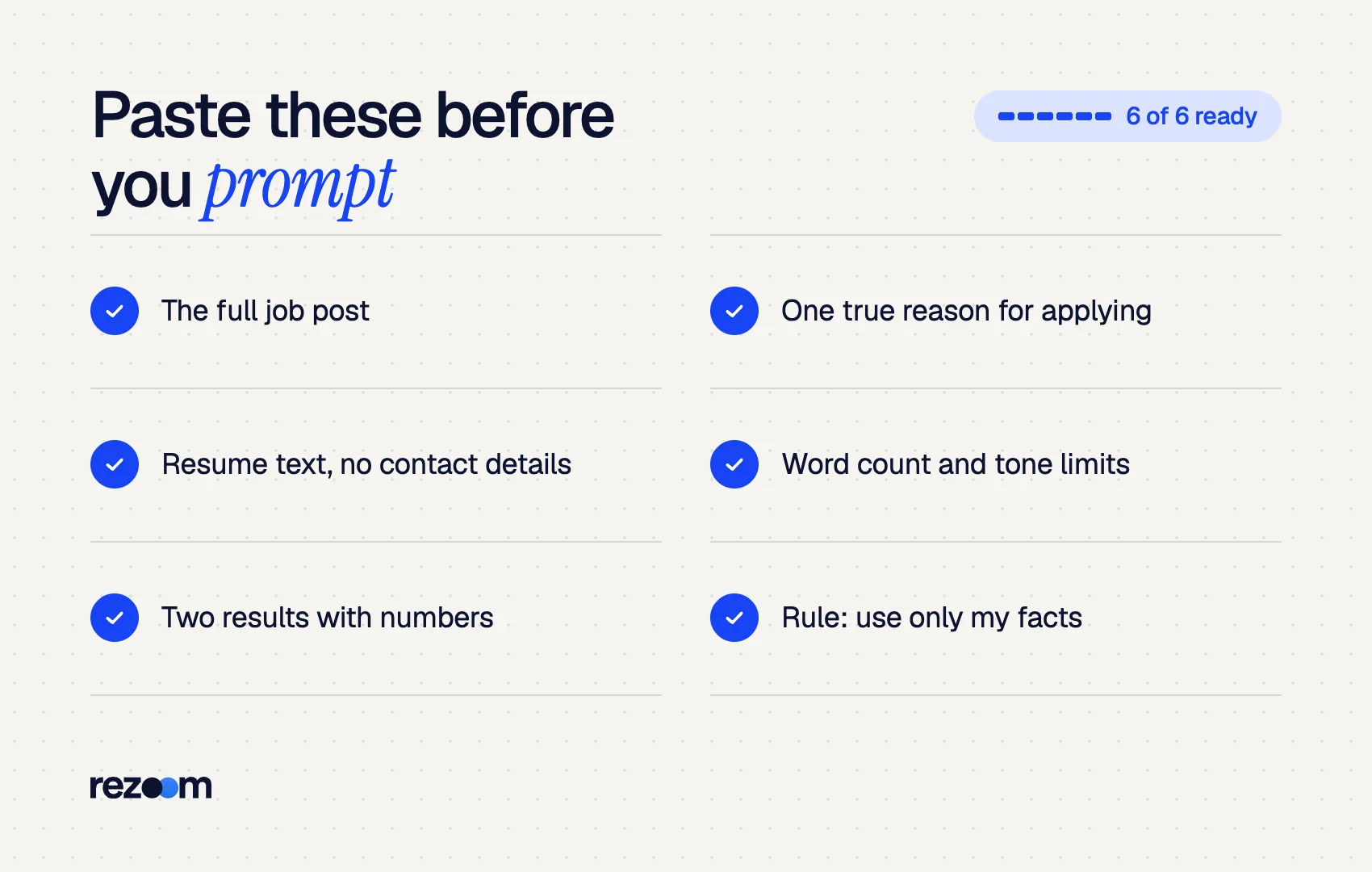
ChatGPT cover letter prompts work when they include specific inputs and clear limits. Paste the full job post, your resume text, two proof stories with numbers, and one honest reason for applying. Then set a word count, a tone, and a rule that the model may only use facts you provided.
OpenAI's own prompting guidance says to be specific and detailed about the "context, outcome, length, format, style" you want. It also recommends separating instructions from context with markers such as triple quotes. Every prompt below follows that pattern.
It also advises precise limits over vague ones, such as "a 3 to 5 sentence paragraph" instead of "fairly short." So the prompts below give word counts, not "keep it brief."
| Input | What to paste | Why it matters |
|---|---|---|
| Job post | The full text, not just the title | Gives the model the employer's priorities and wording |
| Resume | Your resume text, contact details removed | Keeps the draft tied to your actual history |
| Proof stories | Two results, each with a number | Replaces generic claims with evidence |
| Motivation | One true sentence on why this company | The line AI cannot guess |
| Limits | Word count, tone, "only use facts I gave you" | Stops padding and invented details |
What should you paste before any cover letter prompt?
Start each chat with a setup prompt that loads your resume, the job post and your proof stories, and tells ChatGPT not to write yet. Remove your phone, email and address first. Then every later prompt in the same chat can refer to those inputs without pasting them again.
The setup prompt does the heavy lifting once. The University of Redlands career office recommends pasting your resume content without your contact information. Your name, phone and address add nothing to the draft.
You can also limit how your data is used. OpenAI's data controls let you turn off "Improve the model for everyone", and new conversations then are not used to train its models.
I am applying for a job and want help with a cover letter. Do not write anything yet. Read the material below and reply only with a 5-bullet summary of what this employer most wants.
Rule for this whole chat: use only facts that appear in my resume or my stories. Never add skills, tools, numbers or job titles that I did not provide. If something the job asks for is missing from my background, tell me instead of filling the gap.
JOB POST: """[paste the full job description]"""
MY RESUME: """[paste your resume text, without contact details]"""
MY PROOF STORIES: """ 1. [result with a number, e.g. "Cut invoice errors from 9% to 2% in six months by building a review checklist"] 2. [second result with a number] """
WHY THIS COMPANY: """[one honest sentence]"""
The bullet summary is a check. If ChatGPT misreads the role, fix it now, before it writes 300 words around the wrong priority. Our guide to ChatGPT resume prompts uses the same setup approach for resume bullets.
What is the best ChatGPT prompt for a standard cover letter?
The best standard prompt asks for a draft of 250 to 350 words in three or four paragraphs, names the two proof stories to feature, sets a tone, and bans stock phrases like "proven track record." It also asks ChatGPT to flag any sentence that relies on an assumption rather than your inputs.
Run this right after the setup prompt, in the same chat.
Write a cover letter draft using only the material above.
- Length: 250 to 350 words, 3 or 4 paragraphs. - Opening: connect my first proof story to the employer's top priority. Do not start with "I am writing to apply" or "I am excited." - Middle: use my second proof story and mirror 2 or 3 key terms from the job post where they truthfully describe my work. - Close: one sentence on why this company, using my words, and a direct request for an interview. - Tone: [confident and plain / warm and direct / formal]. - Do not use these phrases: proven track record, passionate, dynamic, synergy, fast-paced environment.
After the letter, list any sentence that is based on an assumption rather than my material.
That last line matters. A Zapier writer testing ChatGPT found it would sometimes mistake the qualifications listed in the posting for the applicant's real experience. Asking for a list of assumptions surfaces those errors. For layout and spacing, see our cover letter format guide.
Which ChatGPT cover letter prompts work for a career change or no experience?
For a career change, prompt ChatGPT to map your transferable skills to the new role's top three requirements and to explain the switch in one confident sentence. For no experience, have it draw evidence from school projects, volunteering and part-time work, and to lead with what you have done rather than what you lack.
Both situations tempt the model to over-apologize or to invent experience. These prompts block both.
I am moving from [current field] to [target field]. Using only my material above:
1. List the job's top 3 requirements. Next to each, name the closest skill or result from my background. Say "gap" if there is none. 2. Write a 300-word cover letter that opens with my strongest transferable result, explains my move in one sentence without apologizing, and addresses one gap with what I am doing about it: [course, certificate or project].
Do not describe me as having worked in [target field].
I have no paid experience in this field. My evidence comes from: - School project: [what you did, result] - Volunteer or club role: [what you did, result] - Part-time job: [what you did, a skill it shows]
Write a 250-word cover letter that leads with the most relevant of these and ties it to one requirement in the job post. Do not mention my lack of experience. Do not add skills I have not listed.
For full sample letters, see our guides to the career change cover letter and the cover letter with no experience.
Which prompts work for an internal role or a referral?
For an internal role, tell ChatGPT your current team, your manager's support if you have it, and one company-specific result, and ask it to skip the company introduction. For a referral, give the referrer's name and relationship and ask ChatGPT to mention it in the first sentence, then move straight to your evidence.
Internal and referred applications change the opening. The reader may already know you or the person who sent you.
I am applying internally for [new role] on the [team] team. I currently work as [current title] on [current team], for [length of time].
Write a 250-word letter that: - Skips any introduction to the company, since the reader works here. - Opens with one result I achieved here: [result with number]. - Mentions that my manager [supports the move / is aware], only if I say so here: [yes/no]. - Explains in one sentence what I would bring from my current team. Use plain, collegial language, not a formal external tone.
[Referrer's name], a [their role] on your [team], suggested I apply. We know each other from [how you know them].
Rewrite the opening of my draft so the first sentence names the referral and how we know each other. Keep it to two sentences, then move straight to my first proof story. Do not claim the referrer has endorsed my skills unless I write that here: [what they said, if anything].
Use the referrer's name only with permission. If you are unsure how to phrase the first line, our guide on how to start a cover letter has referral openings.
Which follow-up prompts fix a weak draft?
Use follow-up prompts to fact-check, remove generic phrases, cut length, match your own voice and sharpen the opening. Run them one at a time in the same chat. The most important is the fact-check prompt, which makes ChatGPT list every claim and point to where it came from in your material.
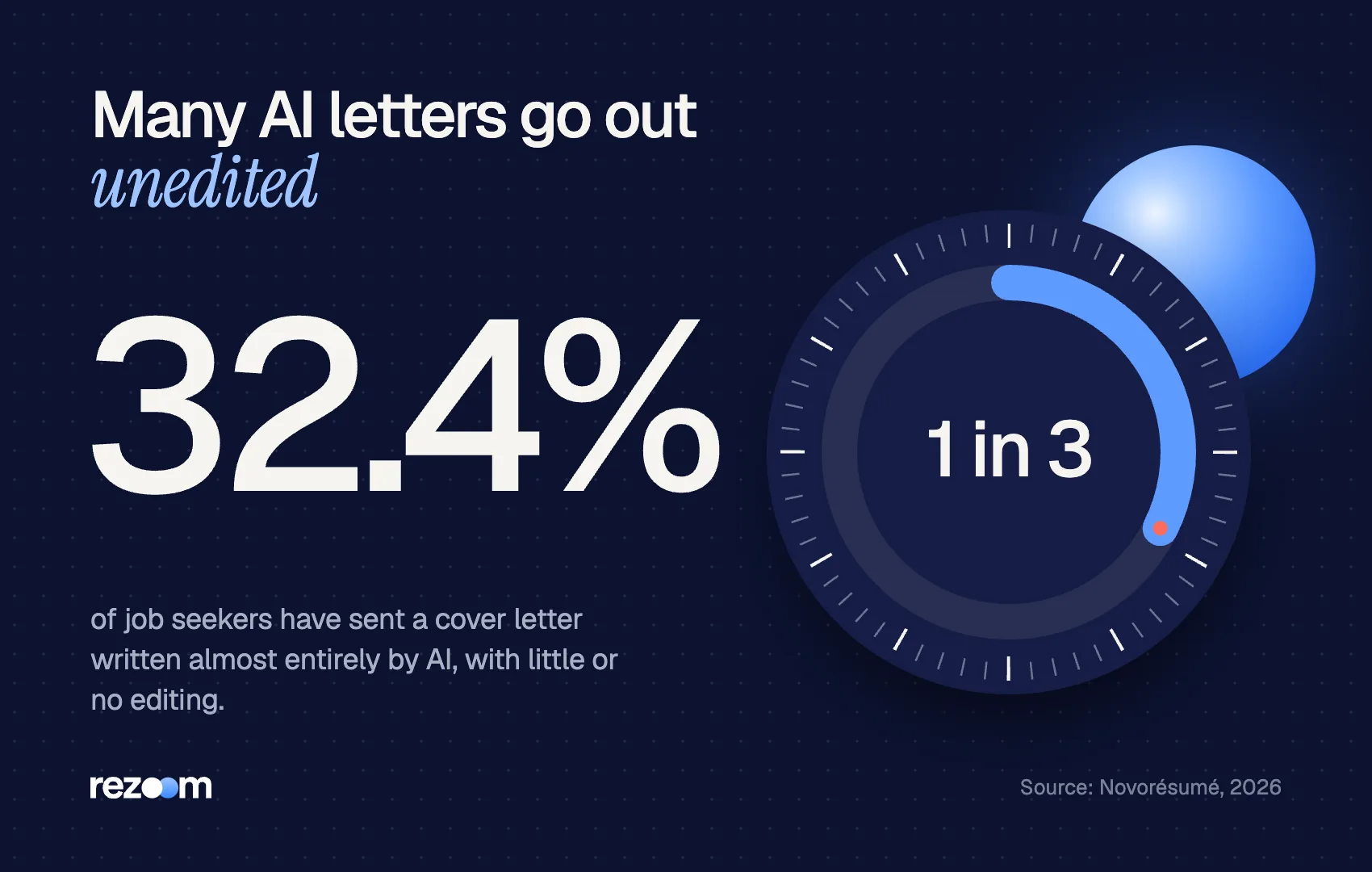
A first draft is where the work starts. Washington State University's engineering college calls AI "a starting point, not the finish line" for cover letters. Novorésumé found that 46.8% of job seekers used AI on their last cover letter, and 32.4% have submitted a cover letter written almost entirely by AI, with little or no editing. Hiring managers see those letters often. These five edits make yours read differently.
Prompt 7 (fact-check): List every factual claim in the letter. For each, quote the line from my resume or stories that supports it. Mark any claim with no support as UNSUPPORTED.
Prompt 8 (de-generic): Find every sentence that could appear in another applicant's letter. Rewrite each one using a specific detail from my material, or delete it.
Prompt 9 (cut): Cut this to [250] words. Keep both proof stories and the closing request. Remove adjectives first.
Prompt 10 (my voice): Here is a paragraph I wrote myself: [paste 3 to 5 sentences you wrote]. Revise the letter so its sentence length and word choice match my paragraph.
Prompt 11 (opening): Give me 3 alternative first sentences. Each must contain a number or a named project from my material. No questions, no "I am excited."
Then do the final pass yourself. Read the letter aloud, delete anything you could not explain in an interview, and check names and titles against the posting.
Run the setup prompt first, in a fresh chat do: Give word counts and a list of banned phrases do: Ask ChatGPT to flag assumptions and unsupported claims do: Write the closing "why this company" line yourself
Paste your phone, email or home address dont: Prompt with only a job title and company name dont: Accept skills the model borrowed from the job post dont: Send the draft without the fact-check prompt
Save a master chat
Keep one chat with your setup prompt and resume loaded. For each new job, paste only the new job post and say "Same rules as before." You keep your fact rules in place and cut setup time to under a minute.
If you would rather skip the prompting, Rezoom's AI resume builder drafts a matching cover letter from the resume you have already tailored, so the facts stay consistent between both documents.

Frequently asked questions
What is the best prompt for ChatGPT to write a cover letter?
A prompt that includes the full job post, your resume, two results with numbers and a word limit, and tells ChatGPT to use only those facts. Prompt 2 above follows that structure.
How do I make ChatGPT cover letter prompts sound less robotic?
Paste a paragraph you wrote yourself and ask ChatGPT to match its sentence length and word choice. Also ban stock phrases like "proven track record" in the prompt.
Should I paste my whole resume into ChatGPT?
Paste the content, but remove your phone number, email and address. They do not improve the draft.
Can I reuse the same prompt for every job?
Reuse the structure, not the output. Paste each new job post and new proof stories that fit it, or the letters will read the same.
How long should I tell ChatGPT to make my cover letter?
Ask for 250 to 350 words in three or four paragraphs. Without a limit, ChatGPT tends to write long. Three to four short paragraphs fit on one page with room to spare.
Do these prompts work in other AI chatbots?
Yes. The structure, inputs and fact rules work in any chat assistant, though output quality varies by model.



Comments