

Summary
The SuccessFactors ATS works by storing your application as a candidate profile, filling standard fields from your resume, and scoring your answers to prescreening questions. A wrong answer to a disqualifier question, or a total score below the required threshold, marks you Auto Disqualified. Recruiters then search all profile data and text-based attachments by keyword, and newer versions add AI skills matching. Clean text and honest, complete answers matter most.
The SuccessFactors ATS works by turning your application into a candidate profile, scoring your answers to the employer's prescreening questions, and letting recruiters search everything you submitted. A wrong answer to a disqualifier question can mark you "Auto Disqualified" before anyone reads your resume.
SAP SuccessFactors Recruiting is the recruiting module of SAP's HR suite. SAP describes it as "connected applicant tracking" with AI-driven matching, automated screening and interview scheduling.
This guide walks through each stage using SAP's own help articles and training material. Where SAP does not document something, we say so, and we label general ATS advice as general.
How does the SuccessFactors ATS work, step by step?
The SuccessFactors ATS works in four stages. You apply on the employer's career site and upload a resume, which can fill standard profile fields. You answer prescreening questions, some scored and some disqualifying. The system rates and filters candidates. Recruiters review the ranked list and search profiles and text-based attachments by keyword.
Here is the path an application takes, based on SAP documentation.
- Career site and profile. You apply on a SuccessFactors career site. Your details are stored as a candidate profile, which is what recruiters review and search.
- Resume upload and parsing. SAP's parsing fills standard profile fields when a resume is uploaded to the candidate profile.
- Prescreening questions. Scored questions build an overall rating. Disqualifier questions and a required score can remove you automatically.
- Recruiter review. Recruiters start with the highest-rated candidates and use keyword search across the database.
Each stage gives you something to control. The sections below cover them in order.
How does SuccessFactors parse your resume?
SuccessFactors parses an uploaded resume into standard candidate profile fields such as work history and education. SAP says parsing does not fill custom fields and has a known limitation with date fields. Always review the pre-filled profile after upload and correct anything the parser missed or misread.
SAP's support notes give a rare, honest view of parsing limits. One note states that parsing "does not upload and fill custom fields in the Candidate Profile, only Standard fields". The same note mentions "a limitation with parsing date fields."
That second point matters for you. If your dates come through wrong, your work history can look shorter or out of order. Today's guide on how to write dates on a resume shows formats that are easy to read and easy to correct.
SAP also lists the attachment types Recruiting accepts: .doc, .docx, .pdf, HTML, .txt and .gif or .jpg images. PowerPoint, CSV, PNG and ZIP files are not accepted.
Senior Accountant | Brightline Health | Denver, CO | 06/2021 – Present
- Closed month-end books in SAP S/4HANA 3 days faster by automating 40 journal entries
Staff Accountant | Rocky Mountain Foods | Denver, CO | 08/2018 – 05/2021
- Reconciled 22 bank accounts monthly with zero audit findings in FY2020
SAP does not publish how its parser treats columns, tables or graphics. As general ATS practice, a single-column layout with standard headings is the safest choice. Our ATS-friendly resume template and today's guide to ATS resume format show what that looks like.
How do SuccessFactors ATS prescreening questions work?
Recruiters can mark questions as scored, as disqualifiers, or both. A wrong answer to a disqualifier question, or a total score below the required score, automatically disqualifies you. Scored answers also create an overall rating that recruiters use to shortlist, starting with the most qualified candidates.
SAP's recruiter training explains the logic plainly. On a disqualifier question, "if a candidate does not put in the correct answer, they are automatically disqualified." A requisition can also set a required score, and applicants whose total falls below it are disqualified too.
Those candidates show up with the status "Auto Disqualified" in the recruiter's list. Scored questions also build an overall rating, which SAP says helps the recruiter "start with the most qualified candidates," a form of short-listing.
| Question setting | What it does | What you should do |
|---|---|---|
| Disqualifier | Wrong answer means automatic disqualification | Read twice, answer exactly and truthfully |
| Scored | Adds to your overall rating | Pick the strongest honest answer |
| Required score | Total below the threshold disqualifies | Answer every scored question |
| Not scored | Information only for the recruiter | Keep it consistent with your resume |
SAP supports multiple choice, numeric, text and rating questions in this setup. Numeric questions, such as years of experience, are easy to score, so be precise.
This is why "the ATS rejected me" usually traces back to a rule a person configured. Our explainer on the ATS rejection myth covers that in more depth.
How do recruiters search the SuccessFactors ATS?
Recruiter keyword search scans all data in your candidate profile plus the text inside text-based resume and cover letter attachments. It returns profiles that contain all search terms first, then profiles with any of them. A scanned image of a resume adds no searchable text, so use a real text file.
SAP's support note on candidate search says it looks at "all of the data recorded in the candidate profile" and "all the text within a text based resume and cover letter attachments." The search applies AND logic first, then widens to OR.
Two takeaways follow. First, the words in your resume and cover letter are searchable long after you apply, so match the job title and core skills to the posting. Our guide to resume keywords shows how.
Second, the phrase "text based" is the catch. A .jpg resume is accepted as an attachment, but it gives search no text to find. A PDF exported from Word or Google Docs is fine; see today's guide on whether ATS can read a PDF.
Skills: SAP S/4HANA, Excel (Power Query, pivot tables), GAAP, account reconciliation, month-end close, BlackLine
Does the SuccessFactors ATS use AI to rank candidates?
Newer SuccessFactors Recruiting releases offer AI skills matching. SAP says it extracts skills from resumes, compares them with the job, and shows recruiters how an applicant's skills align. SAP presents this as decision support for recruiters and hiring managers, not as an automatic rejection step.
SAP's use-case page says the system "extracts skills from resumes" and identifies direct matches, related skills and skills an applicant may easily acquire. The goal it states is helping recruiters and hiring managers "make better decisions, faster."
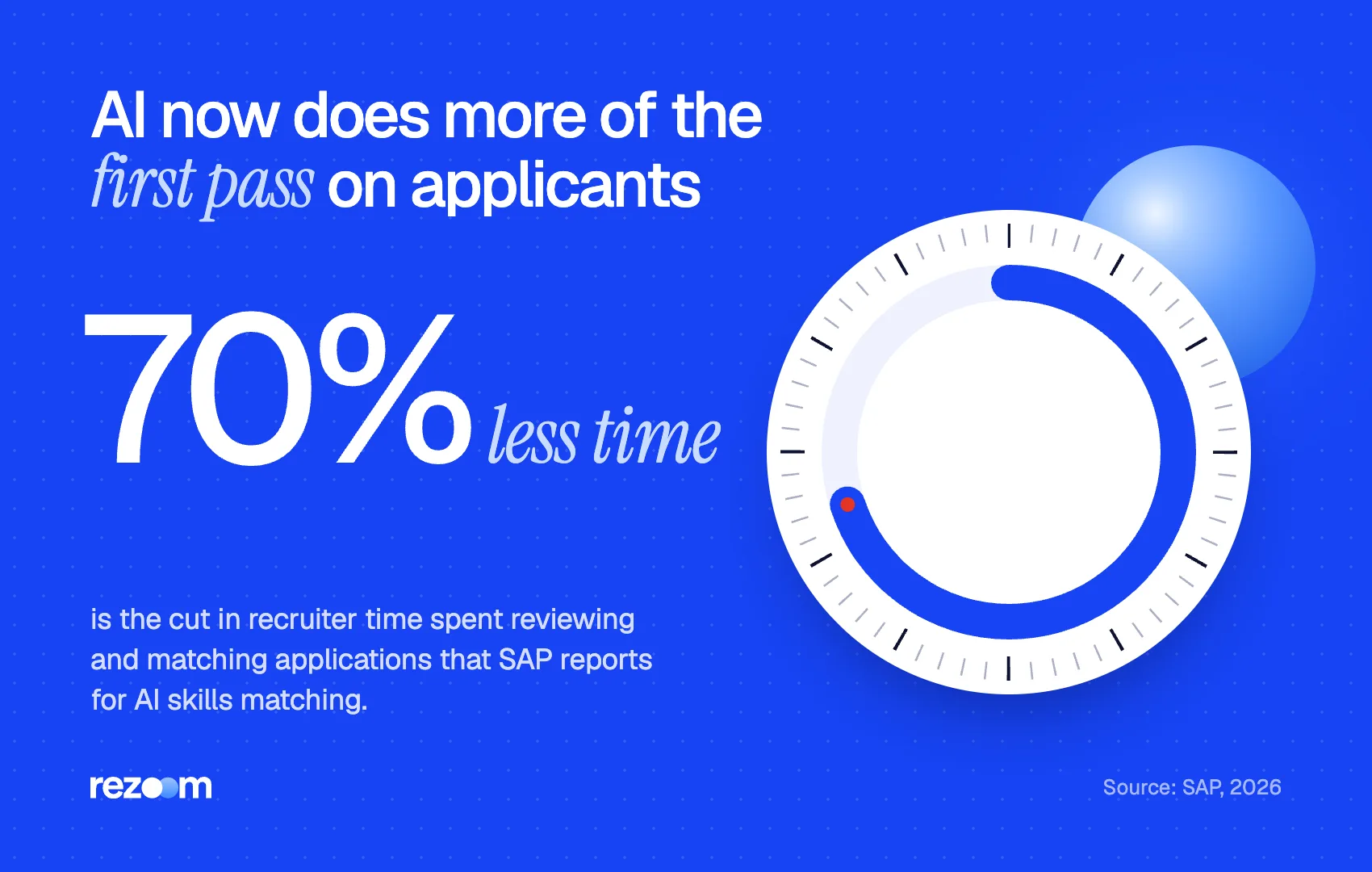
SAP also reports a 70% reduction in recruiter time spent reviewing and matching applications on that page. Treat that as a vendor figure, but the direction is clear: more of the first pass now runs on extracted skills.
Not every employer turns AI matching on, and SAP does not publish the scoring model. The practical move is the same either way: name your skills plainly, in the posting's words, inside your experience bullets. If you want to know your options, see our guide to opting out of AI resume screening.
How should you apply through a SuccessFactors ATS?
Upload a text-based PDF or Word resume, then check every pre-filled field, especially dates. Answer disqualifier and scored questions carefully and completely. Use the posting's job title and skills in your resume. Keep your candidate profile current, since recruiters search all profile data later.
Use this short routine every time you apply through a SuccessFactors ATS.
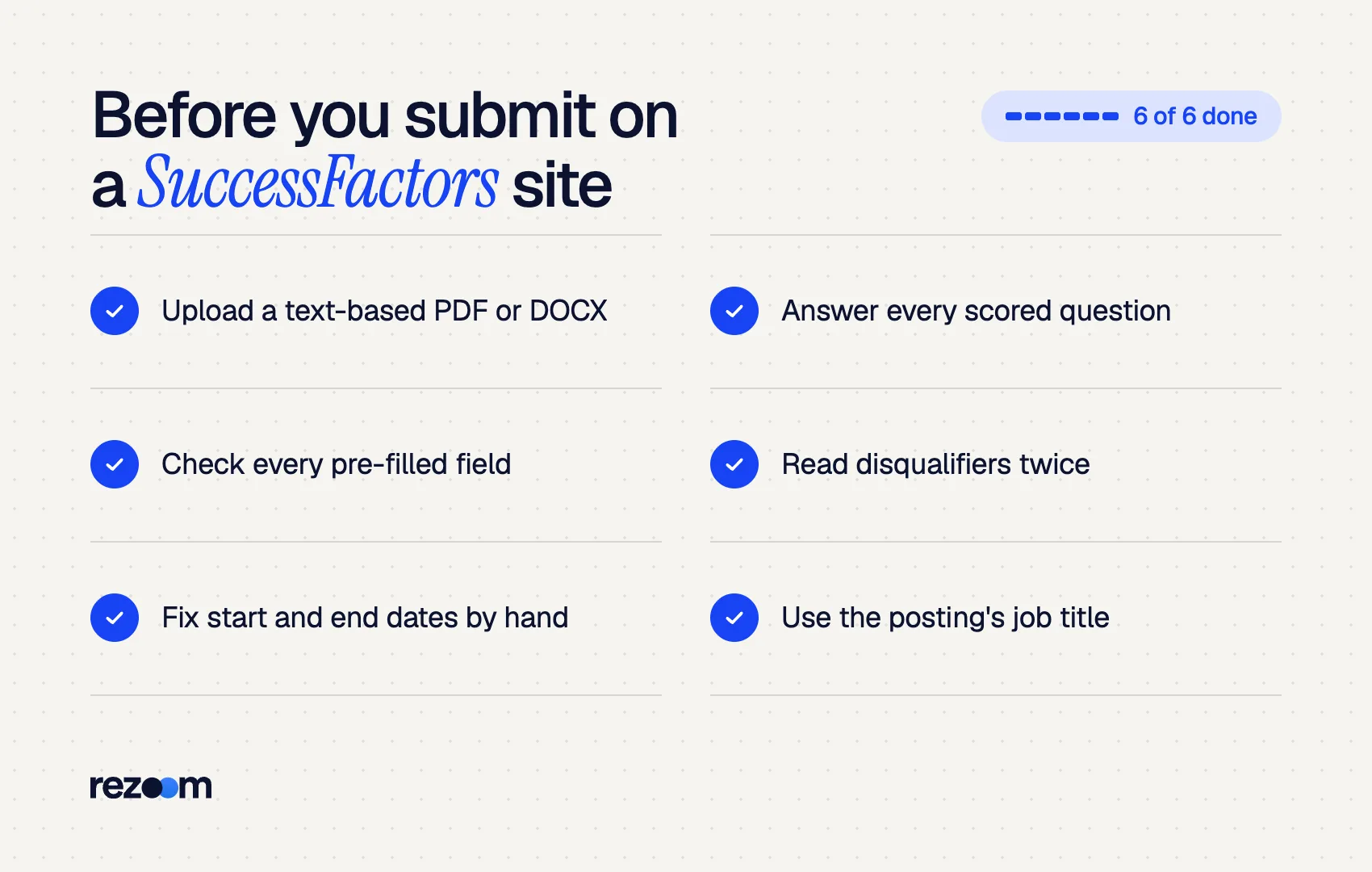
Upload a text-based .pdf or .docx file do: Check every pre-filled field, especially start and end dates do: Answer every scored question; a skipped one can drag your total down do: Mirror the posting's job title and skill terms in your bullets
Upload a photo or scan of your resume as a .jpg dont: Rely on the parser to fill custom fields for you dont: Guess on disqualifier questions about licenses or work authorization
Fix dates before you click submit
SAP itself notes a limitation with parsing date fields. After upload, open each job in your profile and compare the dates with your resume. A wrong year can make a five-year role look like five months.
Before applying, run your resume through the Rezoom ATS resume checker. It flags missing keywords and layout issues so the profile SuccessFactors builds from your file needs fewer fixes. For how other large systems compare, see today's guides to how Taleo works and how Workday parses resumes, plus our core explainer on how ATS software works.

Frequently asked questions
Does SuccessFactors automatically reject applicants?
Only through rules the employer sets. SAP documents automatic disqualification for a wrong answer to a disqualifier question or a total score below the required score.
What file types does SuccessFactors accept for a resume?
SAP lists .doc, .docx, .pdf, HTML, .txt, .gif and .jpg. Use a text-based PDF or Word file so search can read the content.
Why is my SuccessFactors profile missing information after I upload my resume?
SAP says parsing fills only standard fields, not custom ones, and has a known limitation with dates. Fill the gaps by hand before you submit.
Can recruiters search my cover letter in SuccessFactors?
Yes. SAP says candidate search covers the text inside text-based resume and cover letter attachments, as well as profile data.
Is SuccessFactors the same as SAP?
SuccessFactors is SAP's cloud HR suite, and Recruiting is one module within it.
Does SuccessFactors use AI to screen resumes?
Newer releases offer AI skills matching that extracts skills from resumes and shows recruiters how they align with the job. Employers choose whether to use it.



Comments