Updating Your Resume: Full Guide & Examples
Updating your resume? Use this 10-step checklist for 2026: when to update, what to change first, how to add new skills and KPIs, and mistakes to avoid.

On this pageUpdating Your Resume: Why It Matters in 2026
- Updating Your Resume: Why It Matters in 2026
- When and How Often Should You Update Your Resume?
- 10-Step Checklist for a Winning Resume Update
- Side-by-Side View After Updating Your Resume
- Common Mistakes When Updating Your Resume
- FAQ: Updating Your Resume – Most-Asked Questions
- Frequently Asked Questions About Updating Your Resume
Update your resume lightly every quarter and fully before each job search, after a promotion, or after a layoff. Start by setting your target role, then refresh the format, summary, recent roles, skills, and education. Add numbers to your results, cut roles older than ten years, and tailor the final version to each posting with its keywords.
Updating your resume means refreshing your summary, recent roles, skills, and keywords so they match the jobs you want now. Do a light update every quarter and a full one before each job search, after a promotion, or after a layoff.
Recruiters skim fast, and applicant-tracking systems (ATS) parse every bullet, so stale details cost you. This guide explains when to update, walks through a ten-step workflow with before-and-after examples, and covers the pitfalls to avoid. If the update follows a layoff, start with what to change on a resume after being laid off.
Recommended Podcast:
If you only have an old PDF, import your PDF resume and edit it instead of starting over.
Updating Your Resume: Why It Matters in 2026
An up-to-date resume keeps you ready for openings, recruiter messages, and pay talks. It shows current skills and recent results. It also uses the keywords that applicant-tracking systems and recruiters search for today.
How a Modern Resume Wins Recruiters & ATS
Recruiters receive hundreds of applications per role and decide in seconds whether to keep reading. A résumé whose bullets end in 2022 or list obsolete tech such as Flash or jQuery Mobile signals stagnation. By contrast, a document updated last week with Gen-AI experimentation, a 2024 promotion, or fresh KPIs screams momentum. Modern ATS filters are just as picky: they reward exact, current keywords product-led growth, Rust micro-services, and Figma Variables while downgrading dated jargon. Updating your resume at least twice a year pumps those hot terms into the file so the software elevates you to a human reviewer. Before the refresh, it is worth asking whether a resume is still necessary in your field.
Negotiation Boosts from a Timely Resume Refresh
Keeping a living résumé doubles as an achievement ledger. When performance review season lands or a surprise recruiter call arrives you already have quantified proof: “Cut churn 17 % in Q3 by deploying an AI-driven onboarding tour.” Statements like that justify salary bumps and bonus pools. That same ledger is what turns asking for a raise professionally into a conversation about evidence rather than a guess. Documenting wins as they happen also fuels confident interviews and networking.
When and How Often Should You Update Your Resume?
Do a quick refresh every quarter and a full update at least twice a year. Also update right after a promotion, a new certification, a major project, or a layoff, and before every job application.
| Situation | Ideal timing | Typical trigger |
|---|---|---|
| Active job search | Before every application | Tailor keywords and metrics |
| Passive candidate | Every 4–6 months | Completed major project |
| Promotion/title change | Immediately | New responsibilities |
| New credential | Within one week | AWS SAA, Coursera Gen-AI Nano-degree |
The Quarterly Refresh Ritual
Reserve fifteen minutes on the first Friday of each quarter labeled Resume Refresh. When the alert fires, open your master document in Rezoom.io, paste your latest KPIs, swap outdated verbs, hit Save, and close. Block it off and you’ll never scramble to update your resume last minute again.
Career Moments That Demand an Update
- Delivered a product launch that moved a key metric
- Earned a certification or professional license
- Learned a high-demand tool such as prompt engineering or Make.com
- Published an industry article or spoke at a conference
10-Step Checklist for a Winning Resume Update
Set your target role, check the format, and refresh the design and contact details. Then rewrite the summary, prune old roles, add numbers, update skills and education, and tailor the final version to each posting.
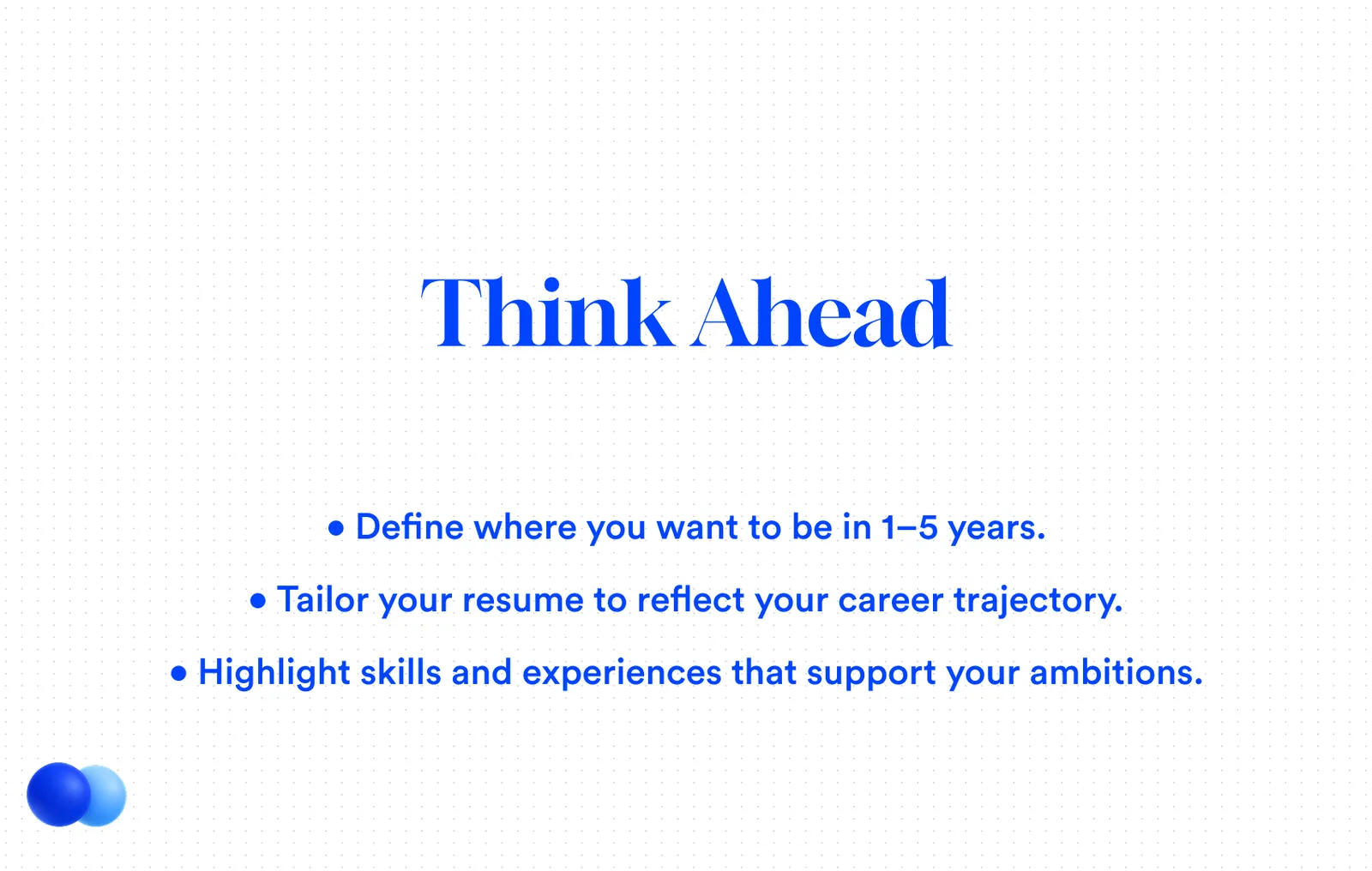
Step 1 – Define Today’s Career Goal
A résumé is a marketing asset. Clarify the job title, seniority, and industry you now target. Every later edit keywords, layout, and achievements must reinforce that purpose. If your title changed with the same employer since your last refresh, pick one of the formats for showing a promotion on a resume. To speed up each step, edit your file in the Rezoom AI resume builder.
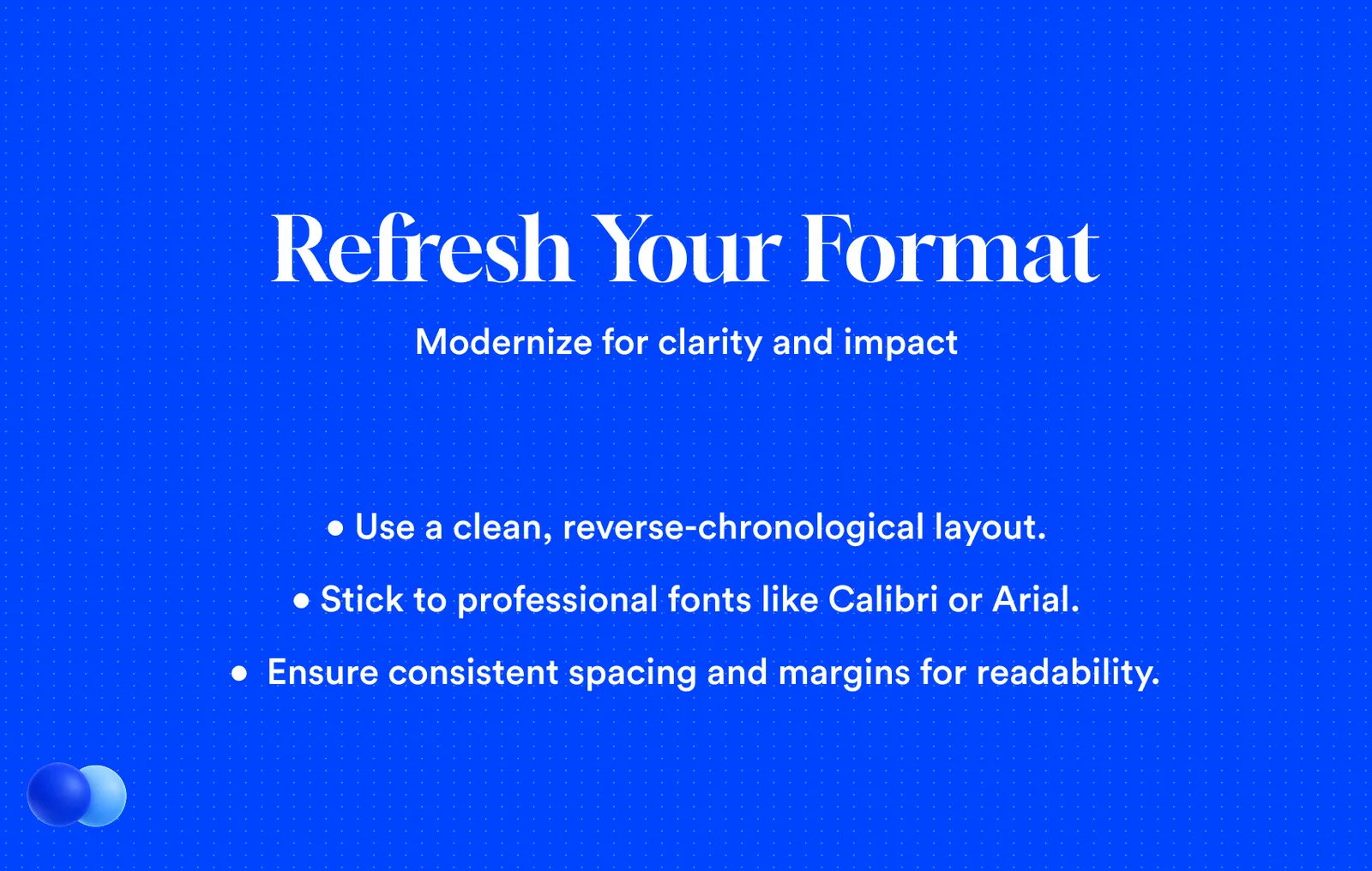
Step 2 – Review Format Before You Revise
Open last year’s file. Are fonts legible on mobile? Do headings follow ATS-friendly labels (Work Experience, Skills)? If the layout relies on tables, graphics, or text boxes, migrate to a clean Rezoom.io resume template. If you are a decade or more into your career, check the layout against the best resume format for experienced professionals before you rewrite a single bullet.
Step 3 – Design Essentials
- Font pairing: Inter + Source Serif
- Single accent color (#005BFF)
- Generous white space
- Lightweight SVG icons
Step 4 – Contact Checks
Confirm phone code, city (“Remote-ready”), pro email, and LinkedIn URL. Dead contacts kill opportunities.
Step 5 – Rewrite Your Summary While Updating Your Resume
Replace fluff with metrics and 2025 buzzwords:
Then – Dynamic marketing professional seeking growth opportunities. Now – Growth marketer who scaled CAC-neutral revenue from €12 M → €28 M in 14 months via AI-driven A/B tests.
For more summaries written this way, see these digital marketing resume examples.
Step 6 – Prune Old Experience
Anything older than ten years or off-track goes into “Earlier Experience” or disappears. Focus on the last three to five years. That ten-year line is the short answer to how far back a resume should go. Thirty years of history needs more than a date cut, so resume advice for over-50 candidates goes further than trimming.
Learn expert tips for writing work experience on a resume. Discover detailed steps and real examples to craft a standout work history.
Step 7 – Add KPIs
Use STAR bullets:
Reduced cloud spend 23 % by refactoring Python ETL into Rust
Those fresh KPIs bring your updated resume to life for hiring managers.
Step 8 – Add New Skills
| 2025 Skill | Proof in a bullet |
|---|---|
| Prompt engineering | “Authored 80+ GPT-4o prompts, cutting content production 40 %.” |
| No-code automation | “Built 15 Zapier workflows saving five hours weekly.” |
| Data storytelling | “Created Tableau dashboards viewed by the C-suite weekly.” |
| Cyber-security basics | “Completed Google Cybersecurity Certificate (Feb 2025).” |
The best skills to put on a resume match the job posting. See top hard and soft skills, examples by field, and how to present them so recruiters notice.
Step 9 – Update Education When Updating Your Resume
List newest credentials first, with dates, so ATS reads them as current.
How to list education on your resume: where to place it, what to include, how to show ongoing degrees and certifications, plus real examples to copy.
Step 10 – Tailor Your Updated Resume to the Job
Paste the job ad into Rezoom’s keyword highlighter. Mirror critical terms, re-order bullets, and save as firstname-lastname-resume-May-2025.pdf. If the posting names a file type instead, our test of sending a resume as PDF or Word shows which one parses cleanly.
Side-by-Side View After Updating Your Resume
The updated version swaps vague duties for measurable results, adds current tools and keywords, and trims old or unrelated detail. The table below shows the same entry before and after.
| Element | Before | After |
|---|---|---|
| Summary | “Results-oriented engineer…” | “Full-stack engineer who cut page-load 38 % and doubled users.” |
| Bullet | “Responsible for site performance.” | “Optimised pipeline, cutting TTFB 460 ms → 220 ms and saving $18 K/mo.” |
| Skills | HTML, CSS, JS | Rust, TypeScript, GraphQL, Prompt engineering |
| Design | Times New Roman 11 pt | Inter 11/16 pt, cobalt accent |
The refreshed version shows quantifiable outcomes, current tech, and a modern look far more persuasive to humans and bots. For more before-and-after ideas, browse these marketing resume templates and examples.
Free ATS score, the text the software extracts and your missing keywords. No sign-up.
Common Mistakes When Updating Your Resume
The most common mistakes are skipping job-specific keywords and over-designing the page. Skill bars, graphics, and columns can break ATS parsing, so keep the layout simple and match the language of the posting.
Ignoring Keywords When Updating Your Resume
ATS is literal. Submit “client success lead” when that’s in the advert. Run a free ATS resume checker to see which posting keywords your file is missing.
Over-Designing When Updating Your Resume
Infographics and skill bars may vanish after parsing. Keep visuals subtle and run a free ATS check.
FAQ: Updating Your Resume – Most-Asked Questions
Post your new resume where recruiters search, such as LinkedIn and major job boards. Then refresh it at least twice a year. The answers below cover both points in more detail.
Where to Post an Updated Resume Online
- LinkedIn – Edit About and Experience, attach PDF under Featured.
- Indeed / Glassdoor – Replace plain-text sections; set profile Public.
- Rezoom.io – Duplicate your file, run the AI keyword scanner, and export PDF/DOCX/TXT.
How Often to Schedule Updating Your Resume
At least twice a year, plus whenever you earn a credential, finish a big project, or spot a dream vacancy.
Frequently Asked Questions About Updating Your Resume
Here are short answers to the questions job seekers ask most, from where to start and how often to update to which file format to send and what to remove.
How do I start updating my resume?
Audit for data gaps, add recent KPIs, rewrite bullets with results first, and finish with an ATS keyword scan.
How often should I update my resume?
At least twice a year or anytime you finish a project, earn a credential, or see a relevant job posting.
Where do I update my resume on LinkedIn?
Edit your About and Experience sections, then attach the PDF in Featured for quick recruiter access.
Should I tailor a resume every time I apply?
Yes, customized resumes receive up to 50 % more interview invitations because they align with job-specific keywords.
Is it okay to use AI to help with resume updating?
Absolutely. Let AI draft bullet ideas and check ATS compliance, then human-edit for voice and accuracy.
What file format is best after updating?
PDF for design fidelity, DOCX for legacy systems, and TXT for strict ATS portals.
Which parts of a resume become outdated fastest?
Skills lists (tech evolves), summaries (career goals change), and contact info (phone numbers or emails can shift).
What should I remove during a resume update?
Old software names, decade-old awards, unrelated hobbies, and any statement without measurable impact.
How long does a full resume update take?
Using the step-by-step method above, about 90 minutes if you keep an ongoing achievement log. First-time overhauls may take longer.
By making a quarterly habit of updating your resume, you stay interview-ready and salary-negotiation-ready. Log in to Rezoom.io, duplicate your file, and apply this guide today. Opportunity moves fast, make sure your story keeps up.
Mohammad has spent more than ten years designing consumer products and leads product at Rezoom, deciding what gets built and what gets left out. His guides cover the whole job search, from resume sections and cover letters to interview answers and career moves.
Goodi, M. (2026, November 9). Updating Your Resume: Full Guide & Examples. Rezoom. https://rezoom.io/updating-your-resume/