LinkedIn to Resume: How to Convert Your Profile Properly
LinkedIn's PDF export is a business card, not a resume. What it drops, why parsers mis-read it, and the workflow that fixes both.
On this pageCan you turn a LinkedIn profile into a resume?
Summary
LinkedIn's Save to PDF export was designed as a visual business card, not a resume. It uses a multi-column layout that parsers mis-read, exports only your top featured skills, drops the Featured section entirely, and can stretch a one-page career across four or five pages. LinkedIn also discontinued its built-in Resume Builder in June 2024, so much of the advice still online describes a tool that no longer exists. Treat the export as source material.
Going from LinkedIn to resume looks like a solved problem. Click More, click Save to PDF, attach the file, done.
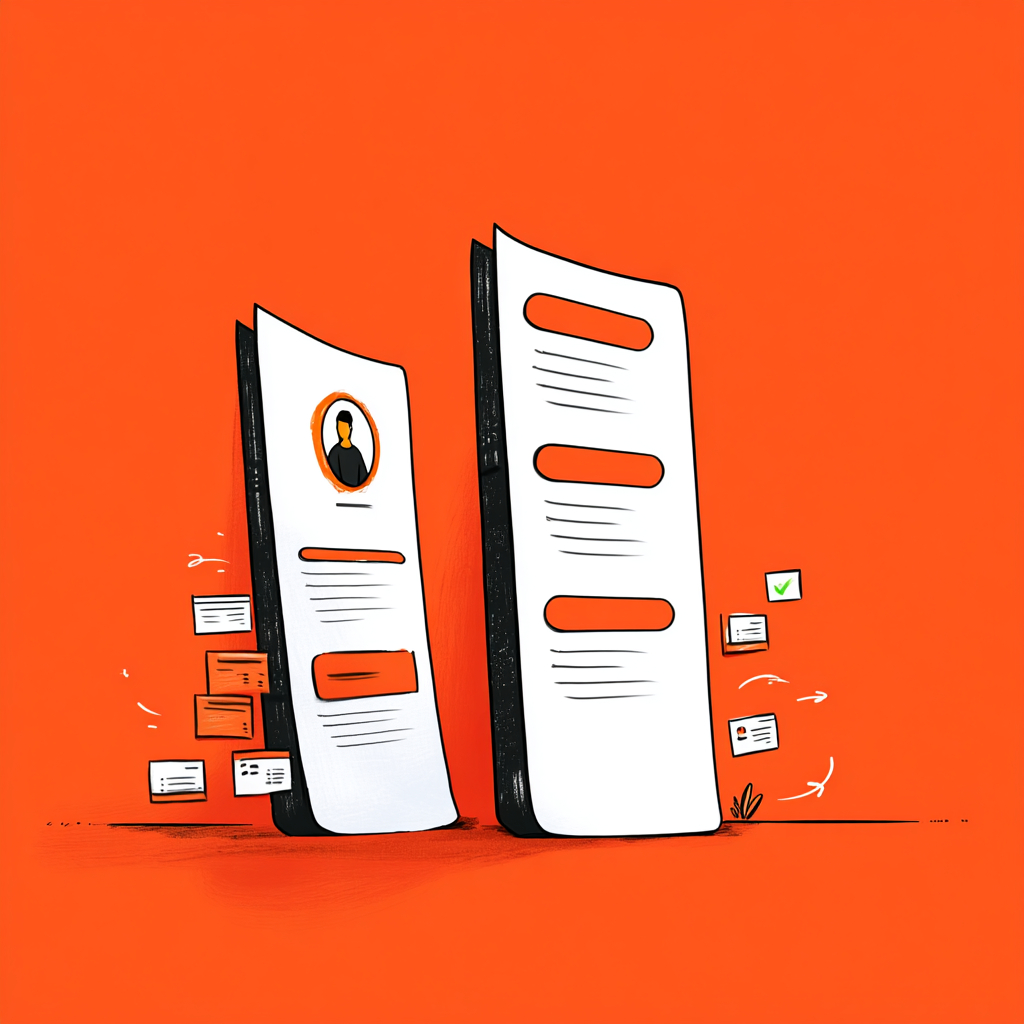
The file you get is the issue. LinkedIn built the export as a visual business card, and it behaves like one: multi-column layout, generous margins, and a selective view of your profile that quietly leaves things out. Applicant tracking systems read it badly, and in one round of testing2 only about 40% of the content extracted correctly.
That does not make the export useless. It makes it source material rather than a finished resume — and the difference between those two ideas is most of this article.
Can you turn a LinkedIn profile into a resume?
You can export your profile as a PDF in about five seconds, but the result is not application-ready. It uses a layout parsers struggle with, includes only your top featured skills, and omits sections entirely. Use it as a content source, then rebuild it in a single-column format.
First, one correction, because a lot of advice still online is describing a tool that no longer exists.
LinkedIn discontinued its built-in Resume Builder in June 20241, emailing users that it was removing the feature and would delete stored resumes. What remains on a standard profile is Save to PDF, which is a different and simpler thing. Several users also reported losing access4 to Save to PDF on free tiers in early 2026, with the feature apparently moving behind a Business Premium paywall. If the option is missing from your account, that likely explains it rather than a bug.
Premium Career at $29.99 per month adds AI resume tips, which compare a resume you upload against a specific posting. Worth knowing what that buys: it critiques a resume, it does not create one. If you want that file attached to your profile as well, here is how to upload your resume on LinkedIn.
How do you export your LinkedIn profile as a PDF?
On desktop, open your profile, click More under your name, and select Save to PDF. On mobile it sits in the three-dot menu. The download takes about five seconds and arrives named Profile.pdf, which you should rename before doing anything else.
Four steps, and the fourth matters more than it looks:
1. Open your own profile — LinkedIn only exports your own.
2. Click More beneath your name, then Save to PDF.
3. The file downloads in roughly five seconds, in whatever language your profile is set to.
4. Rename it immediately. The default is Profile.pdf, which tells a recruiter nothing and looks careless in a folder of applications. Use Firstname-Lastname-Target-Role-Resume.pdf. Avoid putting a birth year or other personal data in the filename.
Fix the profile before you export it
The export is only as good as the profile behind it. A generic headline like "Software Engineer" weakens both your LinkedIn search visibility and the quality of anything generated from it, because the headline becomes the most prominent line in the export. Spend ten minutes on the headline and the experience bullets first u2014 you are fixing two things at once.
Why does the LinkedIn PDF fail ATS parsing?
Because of its layout. The export uses a multi-column design with graphical elements, and parsers read documents in row order u2014 so columns interleave and work history scrambles. Testing found roughly 40% of content extracted correctly, and several major systems handle the fonts and bullet styling unreliably.
In fact, this is the same structural problem that breaks any two-column resume, and it is worth understanding rather than just avoiding.
A parser does not see your layout. It reads the underlying file in order, so a sidebar-and-main-column design arrives as alternating fragments: a job title with no employer, dates attached to the wrong role, skills wedged between bullets. Testing repeatedly names Workday, SAP SuccessFactors and iCIMS as systems that handle the export's formatting unreliably.
Meanwhile, there is a second, quieter problem. The layout's rigid margins mean a career that fits one page can stretch to four or five — and human attention concentrates in the top third of page one regardless of how many pages follow.
If you want to see exactly what a parser extracted from your file rather than guessing, run it through an free ATS checker before you send it anywhere. How an ATS works covers why parse failures are silent and total.
What does the LinkedIn export leave out?
Your Featured section, media attachments and articles are excluded entirely, and only your top featured skills export u2014 so a profile with 30 skills exports a handful. Recommendations, post content and portfolio evidence do not appear at all.
| On your profile | In the PDF export |
|---|---|
| All listed skills | Top featured skills only |
| Featured section (portfolio, repos, articles) | Not included |
| Media attachments and post content | Not included |
| Recommendations | Not included |
| Headline and About | Included, as written |
| Experience and Education | Included, as written |
| Certifications | Included |
Notably, that first row causes the most damage. If you have thirty skills on your profile, most will not appear in the export — and LinkedIn's featured ordering picks the ones that do, rather than relevance to the job you are applying for.
For anyone whose work is visible rather than described — developers, designers, writers — the second and third rows matter more. The export strips exactly the portfolio evidence that makes those resumes convincing.
Do
- Treat the export as a content dump u2014 a fast way to get your dates, titles and employers into one place without retyping them.
Don’t
- Attach it to an application unedited. It is the wrong shape for a parser, it is missing your skills, and it is not written for the specific role you are applying to.
Should your resume just be your LinkedIn profile?
No, because they are written for opposite purposes. A profile is written for discovery: first-person, broad, permanent, aimed at anyone who might find you. A resume is written for one posting: targeted, tightly scoped, and matched to that job's vocabulary.
Ultimately, the distinction is worth holding onto, because it explains every editing decision that follows.
Your profile is a net. It should be broad enough that recruiters searching for various things find you. It is written in first person, includes recommendations and context, and stays live for years. If the profile side needs work first, these LinkedIn summary examples show how that broader version reads when it is written well.
Your resume is a spear. It targets one posting. It cuts anything irrelevant to that role, uses that posting's vocabulary, and implies first person without stating it.
Same career, different instruments. Sending the net when the spear was asked for is what makes an unedited export land flat.
Profile version: "I'm a product manager passionate about building tools that make people's working lives easier. I love collaborating with engineers and designers to ship things that matter."
Resume version: "Product Manager, B2B SaaS. Shipped a self-serve onboarding flow that cut time-to-first-value from 11 days to 3, across 4,000 accounts."
The first invites a conversation. The second answers a question. Both are true, and only one belongs on an application.
What is the right LinkedIn to resume workflow?
Export for the content, rebuild in a single column, add the skills the export dropped, tailor to the posting, then rename the file. The export saves you retyping your history u2014 everything after that is the part that decides whether the application works.
Five steps, and only the first is automated: If product management is your target, our product manager resume objective examples show that same shift applied to a resume opener.
1. Export for raw material. Dates, titles, employers, education. This is the genuinely useful part — accurate history without retyping.
2. Rebuild single-column. Standard headings spelled Experience, Education, Skills. Consistent dates in Mar 2021 – Jun 2024 format. Standard fonts.
3. Add back what was dropped. Especially skills. Pick the ones relevant to the posting rather than the ones LinkedIn featured.
The step that actually decides it
4. Tailor to the posting. Use the job's exact title where accurate, and its vocabulary for work you genuinely did. This is the step that moves the match score, and beating AI resume screening covers how much overlap to aim for.
5. Rename the file. Firstname-Lastname-Role-Resume.pdf.
LinkedIn's Save to PDF button was designed as a visual business card, not a resume.
JobAlign, LinkedIn export testing 2026
Finally, one note on the URL-based converters that ask you to paste a profile link. They read a rendered web page rather than structured profile data, which introduces its own extraction errors — a different set of problems, not fewer of them. The LinkedIn resume builder approach of importing the content and rebuilding it in a parser-safe structure avoids both failure modes, since the layout is generated rather than inherited.
The underlying principle is the one worth keeping: your profile holds the facts, and a resume is what you build from them for one specific job. One formatting detail worth settling early is whether to put LinkedIn on your resume, and how to write the link if you do.
Frequently asked questions
How do I convert my LinkedIn profile to a resume?
Open your profile, click More beneath your name, and select Save to PDF. Then rebuild the content in a single-column layout, add back the skills the export dropped, and tailor it to the specific job before applying.
Does LinkedIn still have a resume builder?
No. LinkedIn discontinued its built-in Resume Builder in June 2024 and deleted stored resumes. What remains is Save to PDF, which produces a profile export rather than a tailored resume.
Why can't I find Save to PDF on my LinkedIn profile?
Several users reported losing access on free tiers in early 2026, with the feature apparently moving behind a Business Premium paywall. It is also only available on your own profile.
Is the LinkedIn PDF export ATS-friendly?
Not reliably. It uses a multi-column layout with graphical elements, and testing found roughly 40% of content extracted correctly, with Workday, SAP SuccessFactors and iCIMS named as systems that handle it unreliably.
What does the LinkedIn export leave out?
Your Featured section, media attachments, article content and recommendations are excluded, and only your top featured skills export — so most of a 30-skill profile will not appear.
Should my resume and LinkedIn profile be identical?
No. A profile is written broadly and in first person for discovery; a resume targets one posting, cuts anything irrelevant, and mirrors that job's vocabulary.
Can I export someone else's LinkedIn profile?
Only your own through the standard export. Some connection-level saving exists for first-degree connections with monthly limits, but it is not a route to building your own resume.
What should I name the exported file?
Something like Firstname-Lastname-Target-Role-Resume.pdf. The default is Profile.pdf, which tells a recruiter nothing and looks careless alongside other applications.
Sources
We opened and read each page below. The small numbers in the text point here.
KraftCV2026
LinkedIn discontinued its built-in Resume Builder in June 2024 and deleted stored…
kraftcv.comJobAlign2026
Native export uses fonts and layout that Workday, SAP SuccessFactors and iCIMS…
jobalign.appJobWizard2026
Export includes only top featured skills; two-column layout with graphical elements causes…
jobwizard.aiResuFit2026
Save to PDF restricted on some free tiers in early 2026, apparently…
resufit.comResume Optimizer Pro2026
Profile and resume serve different purposes — first-person discovery versus targeted keyword-matched…
resumeoptimizerpro.com