

Summary
The best free resume builder is one that lets you download a formatted PDF without paying. We checked eight tools' own pricing and help pages in September 2026. Google Docs, Teal and Kickresume export PDFs free; Rezi allows three free PDFs; Resume.io gives a free PDF in one template only; Zety and Rezoom's free plans export plain text. Canva exports free, but its multi-column designs parse poorly. Pick by the download, then the layout.
The best free resume builder is not the one with the most templates or the cleverest AI. It is the one that hands you a formatted PDF at the end without asking for a card — and on that test, the tools ranking for "free" split cleanly in two.
Most builders let you create a resume for free. Far fewer let you download one for free. The price appears at the last step, after half an hour of typing, when you are least likely to walk away.
We checked eight tools against their own pricing and help pages on 22 September 2026, including Rezoom's. Rezoom's free plan falls on the wrong side of that line for PDFs, and this page says so. Prices and limits change often; treat every figure below as dated to that check.
What is the best free resume builder in 2026?
For a genuinely free formatted PDF, Google Docs, Teal and Kickresume all deliver one with no payment. Rezi gives three free PDF downloads. Resume.io offers a free PDF in a single template. Zety and Rezoom's free plans export plain text only, so a formatted PDF means paying.
The deciding column is the second one.
| Tool | Formatted PDF on the free plan? | What the free plan actually includes | Paid entry point (as listed) |
|---|---|---|---|
| Google Docs | Yes, unlimited | Full editor, PDF and Word export, basic templates | Free |
| Teal | Yes, unlimited | Unlimited resumes and PDFs; 10 templates and limited AI credits per its pricing page | Teal+ $29/month |
| Kickresume | Yes, unlimited | 4 basic templates, unlimited downloads; no AI writer or checker | $24/month, or $8/month billed yearly |
| Canva | Yes | Free PDF export, but mostly multi-column designs | Free |
| Rezi | Yes, 3 downloads | 1 resume, 3 PDF downloads, Word and Google Drive export | $29/month or $149 lifetime |
| Resume.io | One template only | PDF in the Vancouver template, plus TXT | 7-day trial, then monthly |
| Zety | No — TXT only | Full builder; download as plain text | $1.95 for 14 days, then $25.95 every 4 weeks |
| Rezoom | No — TXT only | 1 resume, 1 cover letter, TXT download | Short pass up to a yearly plan |
How to read the table
"Yes, unlimited" is rarer than it looks. Only three of the eight give unlimited formatted PDFs free, and Google Docs is a word processor rather than a builder.
"TXT only" is not nothing. Plain text pastes cleanly into application boxes, but it is not a file you would attach.
Two tools outside the table follow the same patterns. Resume Genius's pricing page lists "TXT only" for its free builder, with a $2.95 trial that renews at $23.95 every four weeks. Novorésumé's help centre says free users can download a one-page PDF, provided they remove every premium feature first.
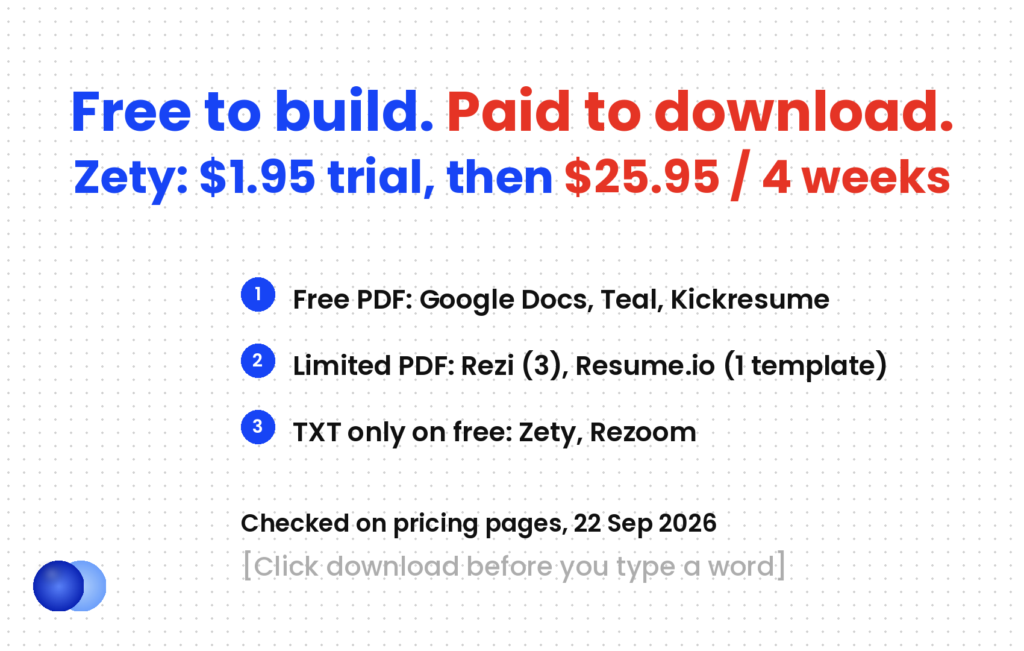
Where does "free" usually stop?
ResuFit's 2026 comparison calls this the freemium trap and names four builders that work this way: Zety, Resume Genius, Resume.io and MyPerfectResume. The pattern has three parts.
The build is free. You pick a template, write every section and preview the result.
The export is not. Click download and you see a choice between a plain-text file and a paid plan.
The trial renews. Zety's pricing page lists $1.95 for 14 days, then auto-renewal at $25.95 every four weeks — about 13 times the entry price. Resume Genius shows the same shape at $2.95 then $23.95.
You find a builder on Google, sign up, and spend 30 to 60 minutes laying out your resume. The "Download PDF" button is the first place you see a price.
The terms sit on each pricing page, so nothing is hidden. The trap is behavioural: sunk time makes a small charge feel reasonable, and a four-weekly renewal is easy to forget during a job search that runs for months.
Test the download before you type
Before you write a single bullet, open any builder, type your name into a blank template and click download. The screen that appears tells you everything: a PDF means the tool is free; a plan selector means it is not. It takes two minutes. If you do take a trial, set a calendar reminder a day before it renews.
Which free resume builder output actually parses?
A single-column, text-based PDF from any of these tools parses well. The risk sits in the template, not the tool. Canva is the clearest example: its PDF export is free, but most of its resume designs use two columns, icons and graphics that scramble text extraction.
A free download is only half the test. The file also has to survive an applicant tracking system, and here the site's position holds for every builder in the table: layout matters far more than file type.
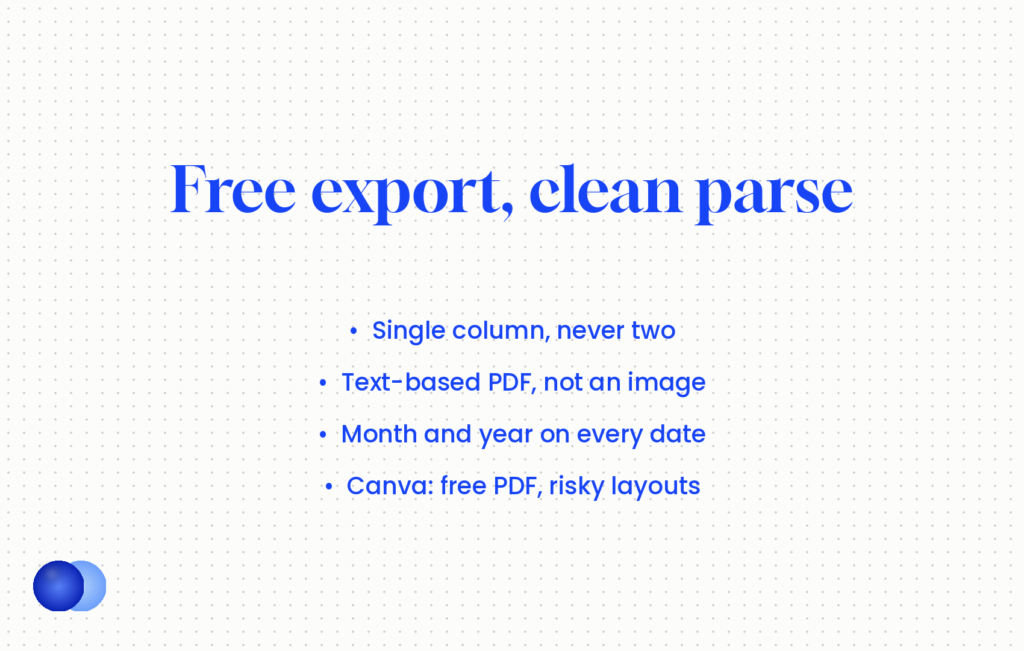
Single column. Two-column layouts scramble extraction in every format.
Text, not image. A text-based PDF parses fine. An image-based PDF — a flattened design or a scanned page — fails completely, whatever tool made it.
Month and year on every date. Year-only ranges fail on several major parsers.
The question of whether to send your resume as PDF or Word is the small variable. The template you pick in any free builder is the large one.
Where each tool sits on parsing
Whichever builder you use, choose a plain, single-column template over a decorative one. Canva is the outlier: ResuFit's comparison notes that its multi-column templates fail ATS parsing, even though the export itself costs nothing. If you love a Canva design, use it for a portfolio or a networking handout, and submit a plain version through portals.
If you are unsure which layout suits your history, resume format types covers why chronological or hybrid beats functional. The fear that software rejects most resumes outright is itself overstated — see do ATS systems reject resumes — but a scrambled parse still costs you the human reader's first impression.
Canva, two-column "creative" template: skills in a left sidebar, experience on the right, icons beside each heading. The parsed text reads "Python Senior Analyst SQL Acme Corp Tableau Mar 2021" — skills and job titles interleaved line by line.
Teal or Google Docs, single-column template: the same content top to bottom. The parsed text reads "Senior Analyst, Acme Corp, Mar 2021 – Jun 2024", then the bullets, then a clean skills line.
Both files cost nothing. Only one arrives in the recruiter's system in the order you wrote it.
Where does Rezoom win, and where doesn't it?
Honesty first, because this is Rezoom's own site. According to Rezoom's pricing page, the free plan includes "one resume and one cover letter, downloads in TXT format, and limited resume sharing and analytics". Word and PDF export sit on the paid plans. By the test this article uses, Rezoom is not the best free resume builder for someone who needs a formatted PDF today at zero cost. Google Docs, Teal or Kickresume are.
What you get when you pay
The paid plans list unlimited resumes and cover letters, 500+ templates described as ATS-friendly, and AI content generation. The Rezoom resume builder is free to try with no credit card, so you can check whether the drafting suits you before deciding.
Drafting from a few questions. The AI resume builder produces a workable first draft in a visual editor with a live preview, and rewrites any section on request.
Imports. It turns a LinkedIn profile export or an existing PDF resume into an editable draft. The LinkedIn to resume guide covers what to change once imported.
The rest of the application. A cover letter builder, an ATS resume checker and AI interview practice sit in the same account.
Where it does not win
A single free PDF. If you need one file this week, a free exporter wins.
Renewal terms. Rezoom's paid options run from a short pass to a yearly plan. Read the renewal terms before paying, exactly as you would for Zety.
How do you choose the best free resume builder for you?
Decide by the job you need done. Need a PDF today for nothing: Google Docs, Teal or Kickresume. Need help writing: accept a paid week somewhere, and cancel. Applying to many roles: pick a tool that stores multiple versions. Never choose by template looks first.
Each situation points to a different best free resume builder.
You already have strong content and just need a clean file. Google Docs. Pick a single-column template, export a PDF, and you are done at no cost. If you would rather not build the layout yourself, start from a ready-made Google Docs resume template.
You are tailoring for many applications. Teal's builder page promises unlimited resumes and "unlimited PDFs (no paywall, no 'pay to export')" on the free plan, which suits the tailoring that turns 2–3% conversion into 7–9%. The AI credits are thin, so write the bullets yourself.
You want a designed look with a free export. Kickresume, using one of its four basic templates. Check the one you pick is single column.
You need one tailored resume and a few exports. Rezi's free plan: one resume, three PDF downloads, plus Word export.
The writing is the hard part. An AI drafting tool earns its fee here — Rezoom, Teal+ or Kickresume Premium. Pay for the shortest period that covers it, export every version, then cancel.
Click download on a blank template before you write anything, so you know the exit cost before you invest the time.
Enter card details for a $1.95 or $2.95 trial without noting the renewal date; the renewal is 10 to 13 times the entry price and repeats every four weeks.
What can no resume builder fix?
The content. Every tool in this comparison formats what you give it; none can supply the achievements, numbers or tailoring that decide whether a recruiter keeps reading. A free builder removes the cost of the file, not the cost of the work.
A builder solves presentation. It cannot write the line that says you cut the monthly close from twelve days to five, and a generic AI draft still reads as generic. The tailoring — matching a posting's language, choosing which result to lead with — stays your job in every tool listed here.
This comparison is also a snapshot. Free tiers shrink and trials reprice without notice, so the two-minute download test beats any list, including this one.
Frequently asked questions
What is the best free resume builder with no download fee?
Google Docs, Teal and Kickresume all let you download a formatted PDF on their free plans with no limit, based on their own pages in September 2026. Rezi's free plan allows three PDF downloads.
Is Zety actually free?
You can build a resume on Zety for free, but its pricing page lists only TXT download on the basic plan. A PDF or Word file needs the paid plan: $1.95 for 14 days, then $25.95 every four weeks unless you cancel.
Is Rezoom free?
Rezoom's free plan includes one resume, one cover letter and TXT download. Word and PDF export are on the paid plans, so Rezoom is not the right choice if you need a free formatted PDF.
Is Canva good for resumes?
Canva's PDF export is free, but most of its resume templates use two columns, icons or graphics that scramble parsing. Use a Canva design for networking, and submit a single-column version through job portals.
Does Resume.io let you download a PDF for free?
Yes, in one template only. Resume.io's help centre says free users can download a PDF in the Vancouver template, or a TXT file; the other templates need the premium plan.
Is a Google Docs resume good enough?
Yes, with a single-column template exported as a text-based PDF. Layout and content matter; the tool that made the file does not.
Should I pay for a resume builder trial?
Only with the renewal date noted. Trials of $1.95 to $2.95 at Zety and Resume Genius renew at $23.95 to $25.95 every four weeks.
Does the resume builder affect ATS parsing?
Not directly. The template does: a single-column, text-based PDF parses well from any tool, while two-column or image-based layouts fail regardless of which builder produced them.



Comments